Pepper
Multimodal Holographic Personal Assistant
INFORMATION
CONCEPT
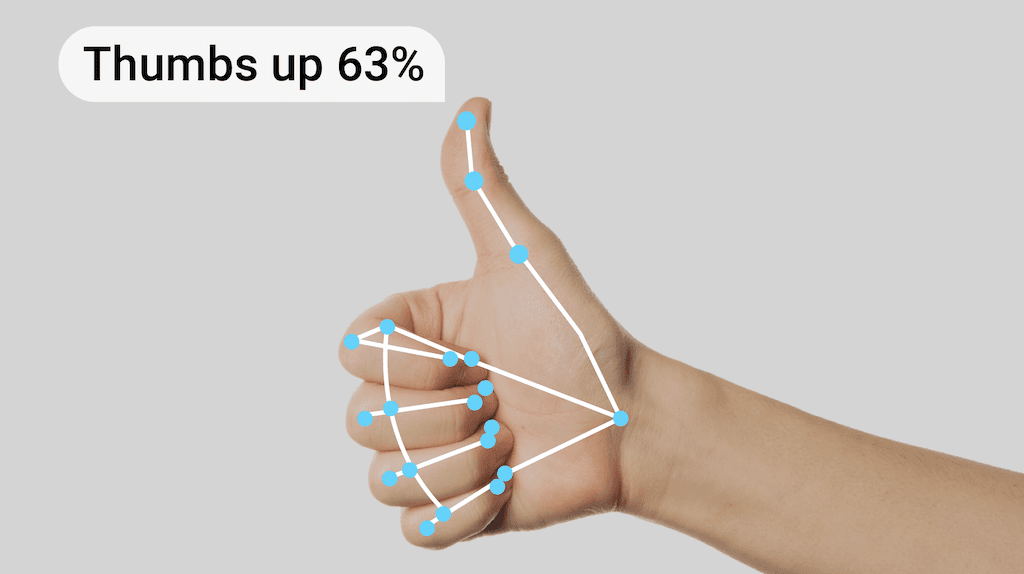
Pepper – The Assistant explores how we communicate with technology can potentially become more intuitive, embodied, and emotionally resonant through multimodal interaction. Instead of relying solely on speech, Pepper perceives and responds to voice, gesture, facial expression, and body language, creating a more human-like communication experience.
This project reimagines the domestic AI assistant as a holographic presence, a playful ghost rendered through the Pepper’s Ghost illusion. Its form and behaviour merge art, design, and computation, aligning with my practice as an interactive designer and creative technologist who prototypes humane systems through technical experimentation.
The goal was to move beyond voice and screen based assistants and explore a future where technology listens, looks, and gestures just like we do.
IDEATION
It has been predicted that the global virtual personal assistants’ market is estimated to grow annually at a rate of around 26.53% by 2030 (1). However, research has also indicated that there are still many barriers to people adopting the technology into their everyday lives(2). What can be designed to help people be more willing to incorporate this new technology into their routines and domestic spaces?
One of the major obstacles to people adopting virtual assistants into their everyday lives is a lack of trust that within the new technology(3). By providing a friendly, fun face (that does not fall into the uncanny valley) to the existing virtual assistant systems, it will hopefully allow the user to communicate more easily with the personal assistant system. This is where the idea for this project originated from. I wanted to see whether embodiment and visual feedback could improve users’ willingness to interact with digital assistants. To test and see if it was possible to develop a communication system that bridges human behaviour with real-time machine response.
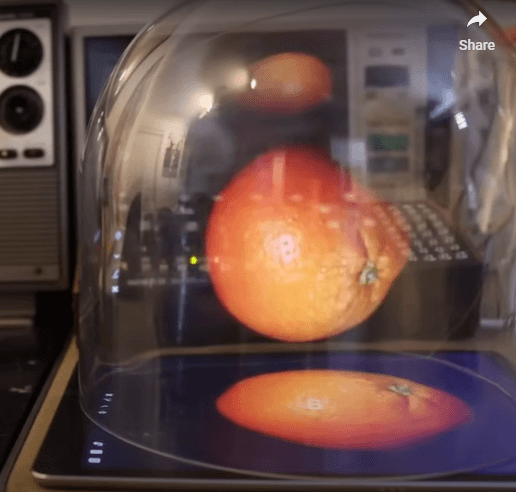
The concept for Pepper as a character emerged when researching different possibile presentation methods for an interactive assistant. I was particularly taken with the idea of a holographic assistant. Much existing 3D holographic technology, while beautiful to look at can be prohibitively expensive. For example, Voxon Photonics VX1 which physically builds holograms using millions of points of light (4), costs $11,700 USD plus shipping (5). This takes it well out of the price point of the average person. One way around this is using the Pepper’s Ghost holographic illusion. Originally patented in 1863 by John Henry Pepper and Henry Dircks, it was invented to create a ghost like illusion projection onto the stage (6). Today, artists like Joshua Ellingson can recreate this holographic effect using the same principles as the 1863 patent with just their phones and the top of their iced coffee lid (7).
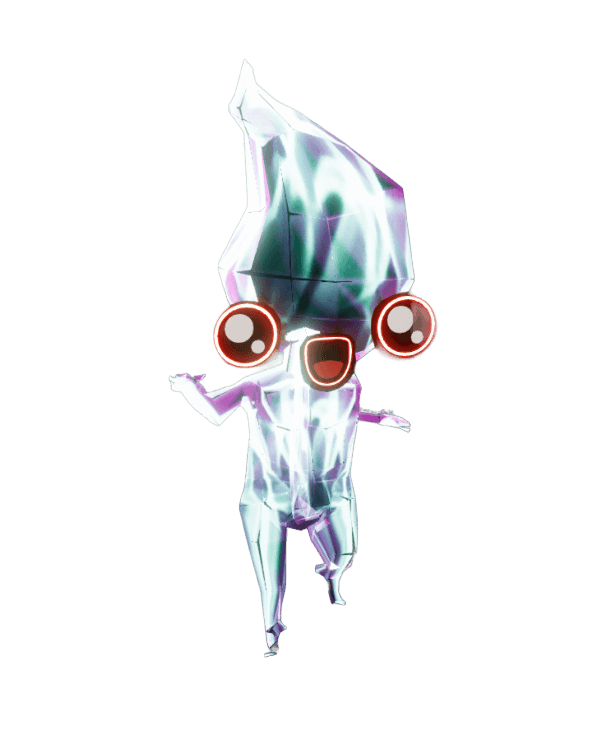
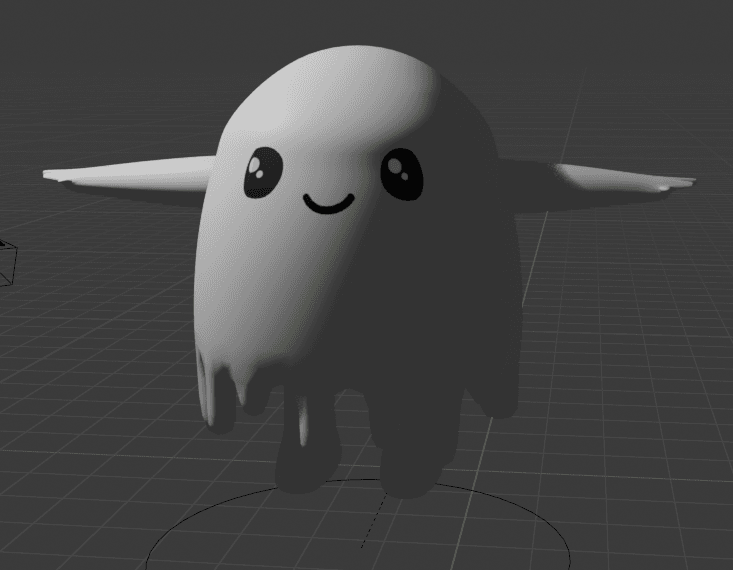
Pepper then was directly inspired by the holographic system I was planning on using for the project. Not just their name, but also a ghostly avatar floating within the hologram. Using a ghost character had the benefit of being able to use a humanoid shape and face to support the multi-modal functionalities, but also allowing for enough stylization to avoid the uncanny valley. From there I was able to expand on the visual language of a ghost. Ethereal, translucent, a liminal space between digital and human. When considering this project, it was also important I took into consideration my own personal limitations. I'm still just a beginner when it comes to coding. However, companies like Open AI and Google have made it available for developers to use their existing virtual personal assistant technology with their apps (8). This means rather than trying to build an entire AI virtual assistant from scratch, I can ideally integrate this existing technology into the holographic interface I am developing.

WORKFLOW
Phase 1 – Foundation Setup
Goal: Establish independent multimodal systems for perception and response.
Built:
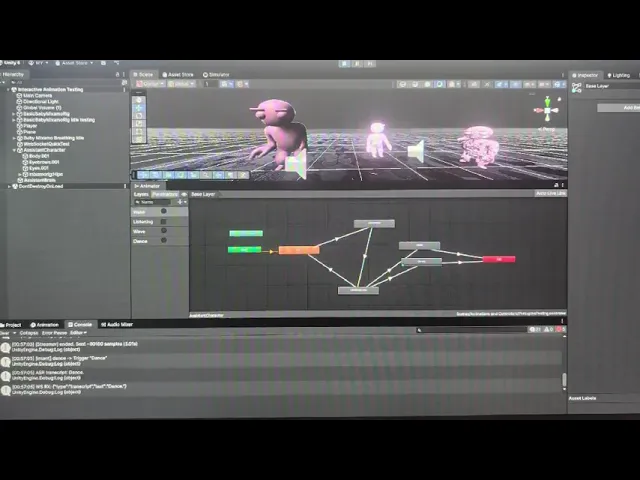
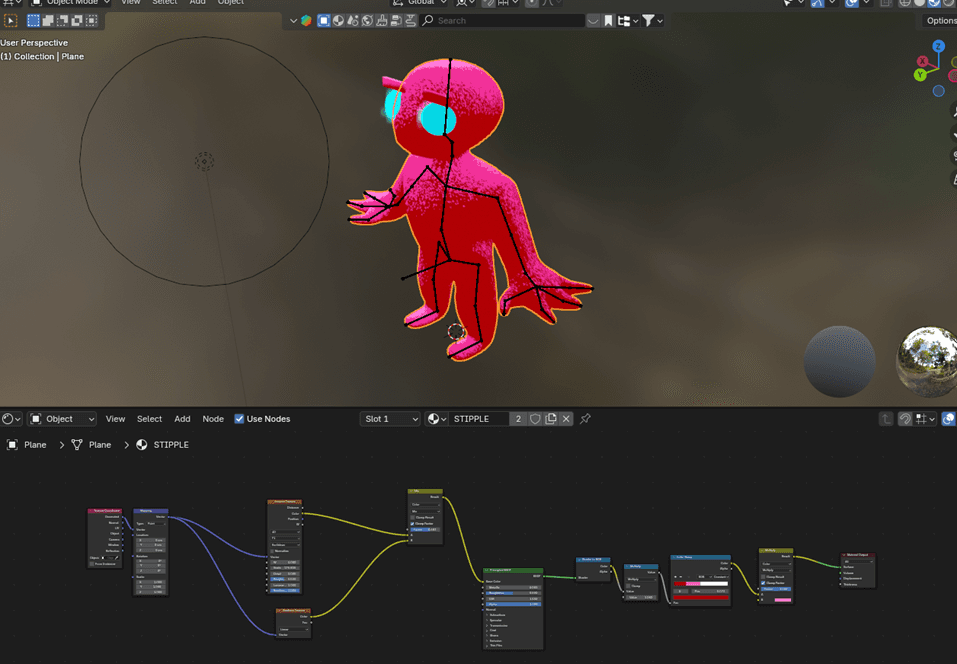
3D ghost avatar with Unity Animator and 2D facial overlays
Custom ghost shader (transparency, Fresnel rim glow, animated noise)
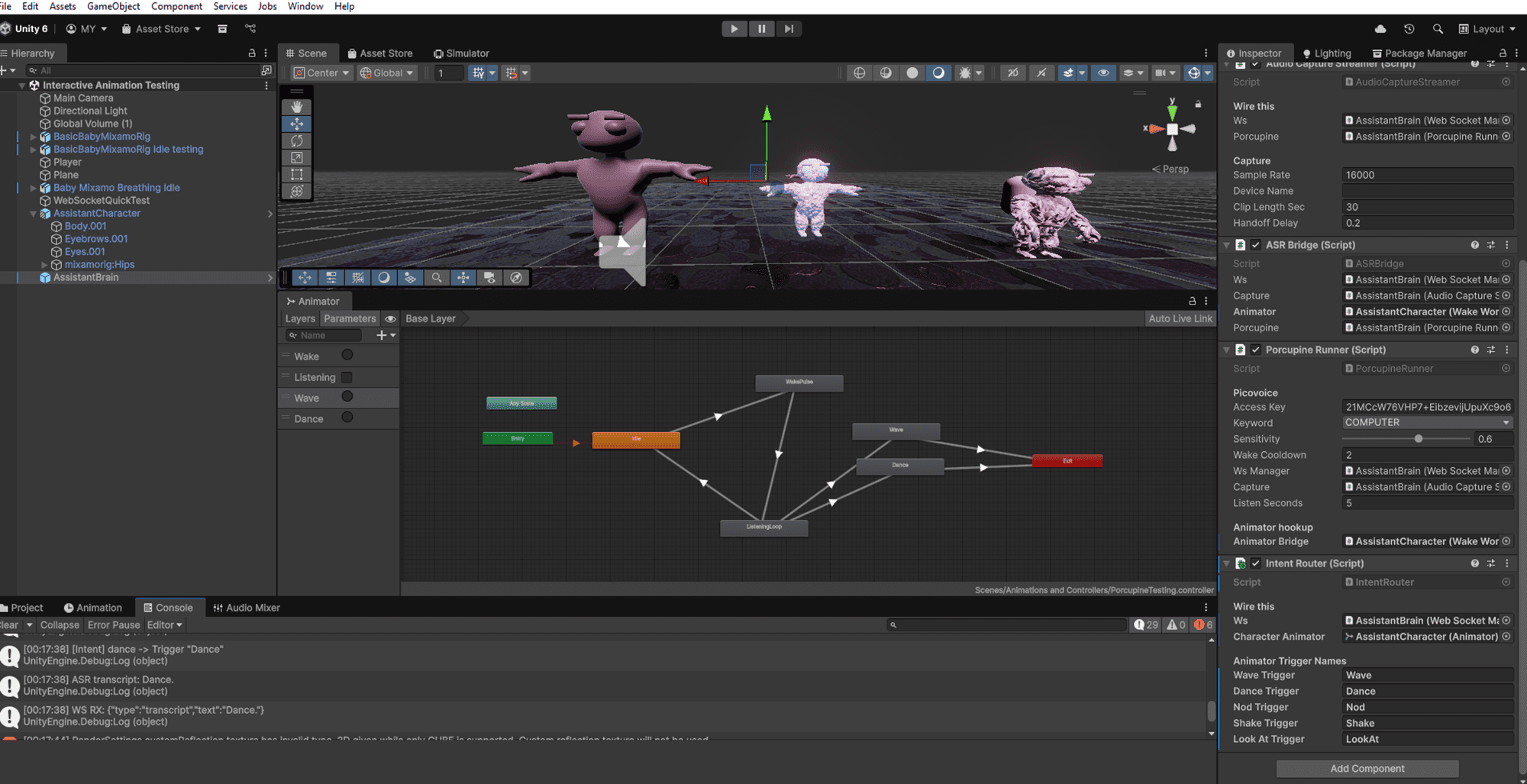
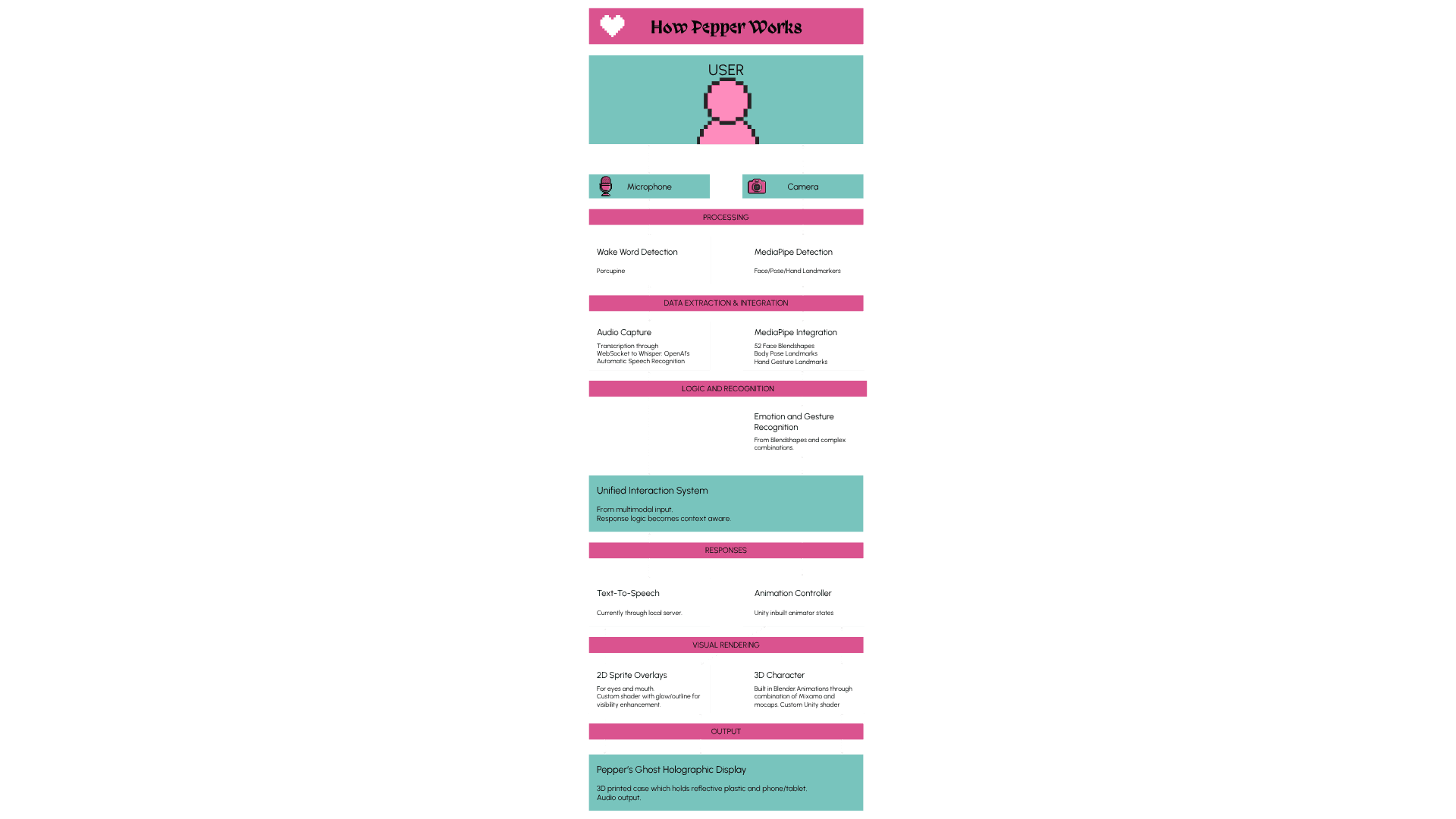
Local WebSocket pipeline for Porcupine wake word → Whisper transcription → TTS response
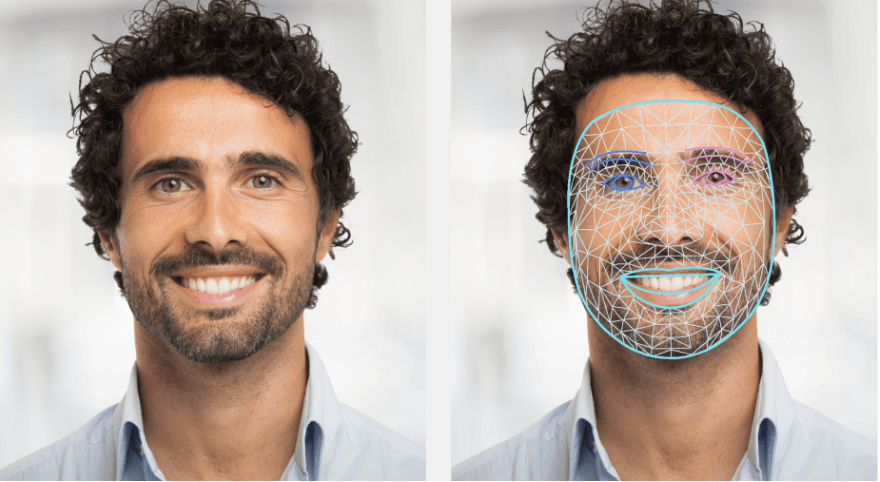
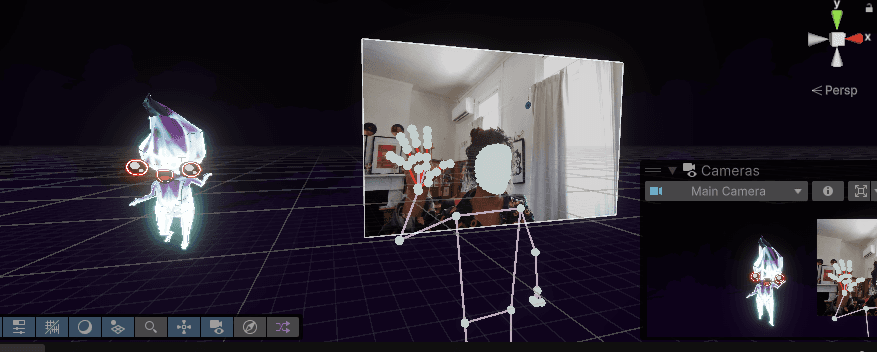
MediaPipe integration for face, hand, and pose tracking
Outcome: Stable multimodal foundation with each sensor operating independently.
Phase 2 – Integration Architecture
Goal: Create a unified state-driven interaction system.
Built:
InteractionContextfor centralized state managementMediaPipeIntegrationAdapterandMediaPipeGestureBridgefor synchronising visual inputsCompositeGestureRecognizerandResponseGeneratorfor contextual reactionsGestureDefinitionSOlibrary for reusable pattern definitions
Challenges: Missing namespace references, incomplete coroutine and pattern logic.
Solutions: Defined pattern classes, added LINQ extensions, implemented full evaluation logic, and unified coroutine flow.
Result: Functional architecture linking all perception systems into a cohesive, event-driven response network.
Phase 3 – MediaPipe Image Disposal Crisis
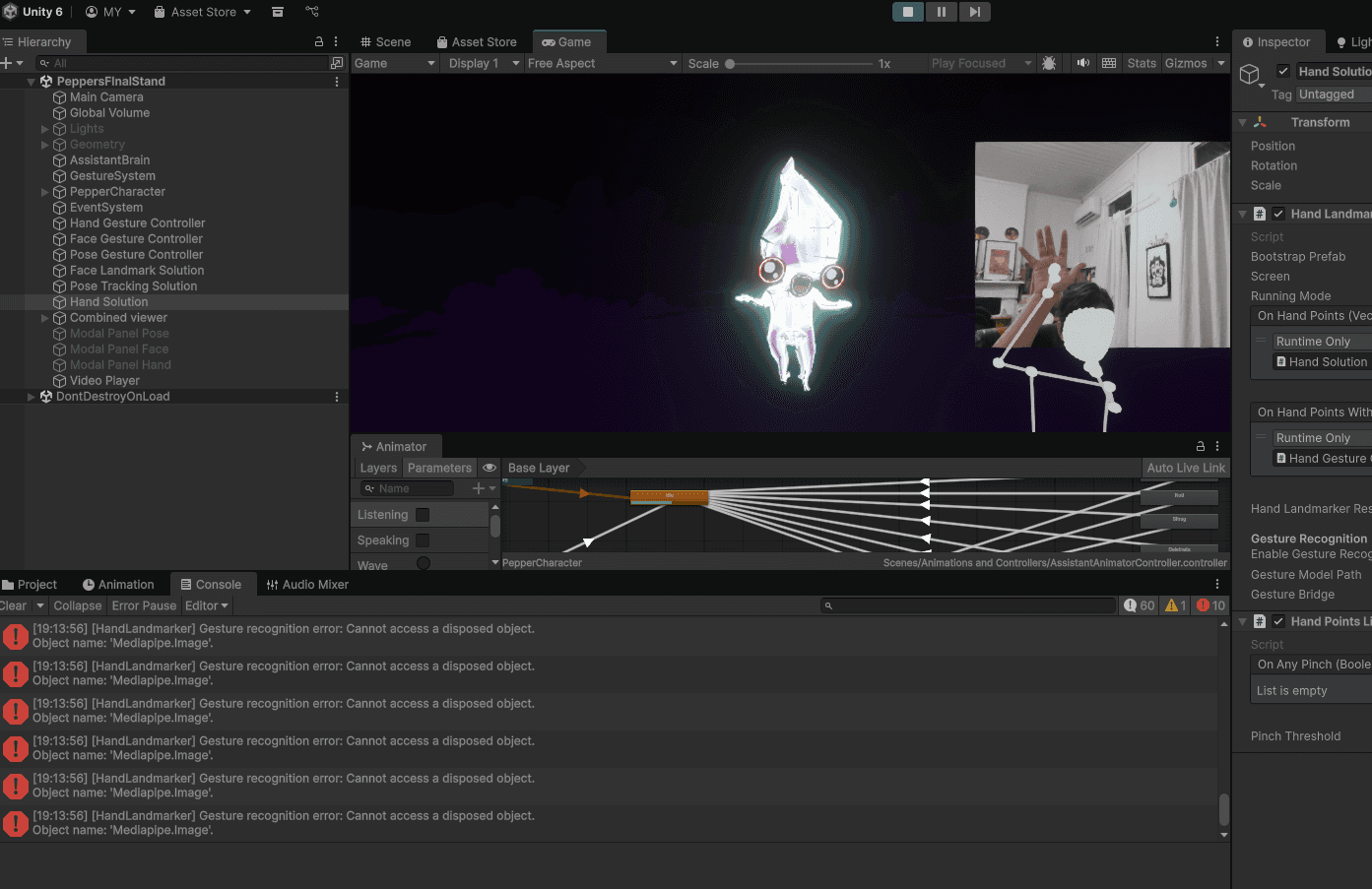
Problem: Multiple detectors (face, hand, pose) shared a single webcam stream; one disposed of it before others finished processing.
Solution: Reordered detection sequence; moved gesture recognition before disposal; shifted modes — SYNC for pose, VIDEO for hands.
Outcome: Stable image lifecycle and fully functional gesture detection (e.g., “sad_wave”).
Phase 4 – Facial Blendshape Mystery
Problem: MediaPipe’s blendshape objects returned no readable data.
Discovery: The property names differed from expected labels.
Solution: Used reflection to inspect MediaPipe’s live object structure, rewrote extraction logic, reconnected adapters, and added full debug logging.
Outcome: 52 blendshape categories now map correctly into the emotion detection pipeline.
Phase 5 – Configuration & Integration Fixes
Problems: Missing dropdowns, mislinked models, and broken config scripts.
Solutions:
Edited detection modes manually (
VIDEO,LIVE_STREAM,SYNC)Verified model paths and error handling
Implemented fail-safe configuration checks
Outcome: Fully modular detection setup with proper resource management and model handling.
Design Patterns & Principles
Debugging Methodology
Start with logs — comprehensive
Debug.Logtracing for each systemFollow the data flow — from sensor → logic → animation
Isolate systems — test modules independently
Inspect unknowns — use reflection to reveal hidden object structures
Manage lifecycles — prevent async disposal errors
Architecture Principles
Separation of concerns: Each component serves a single responsibility
Event-driven communication: Decoupled subsystems for flexible scaling
Centralised state: One authoritative context for cross-input coordination
Pattern-based recognition: Gesture and emotion logic defined as reusable data assets
Fail-safe design: Graceful degradation when any sensor drops data
Performance Optimisations
Async
LIVE_STREAMmode for face trackingSYNCmode for shared resources (pose)VIDEOmode for continuous hands trackingOptimised disposal and memory management
Current Status
Working Systems
Gesture recognition (including composite gestures like “sad_wave”)
Face blendshape extraction (52 categories)
Emotion detection from facial cues
Real-time TTS + animation controller response
Wake word and audio transcription
Custom holographic shader and layered visuals
Next Steps
Expand gesture library
Add conversation state handling
Integrate ML-based gesture learning
Create debug visualizer
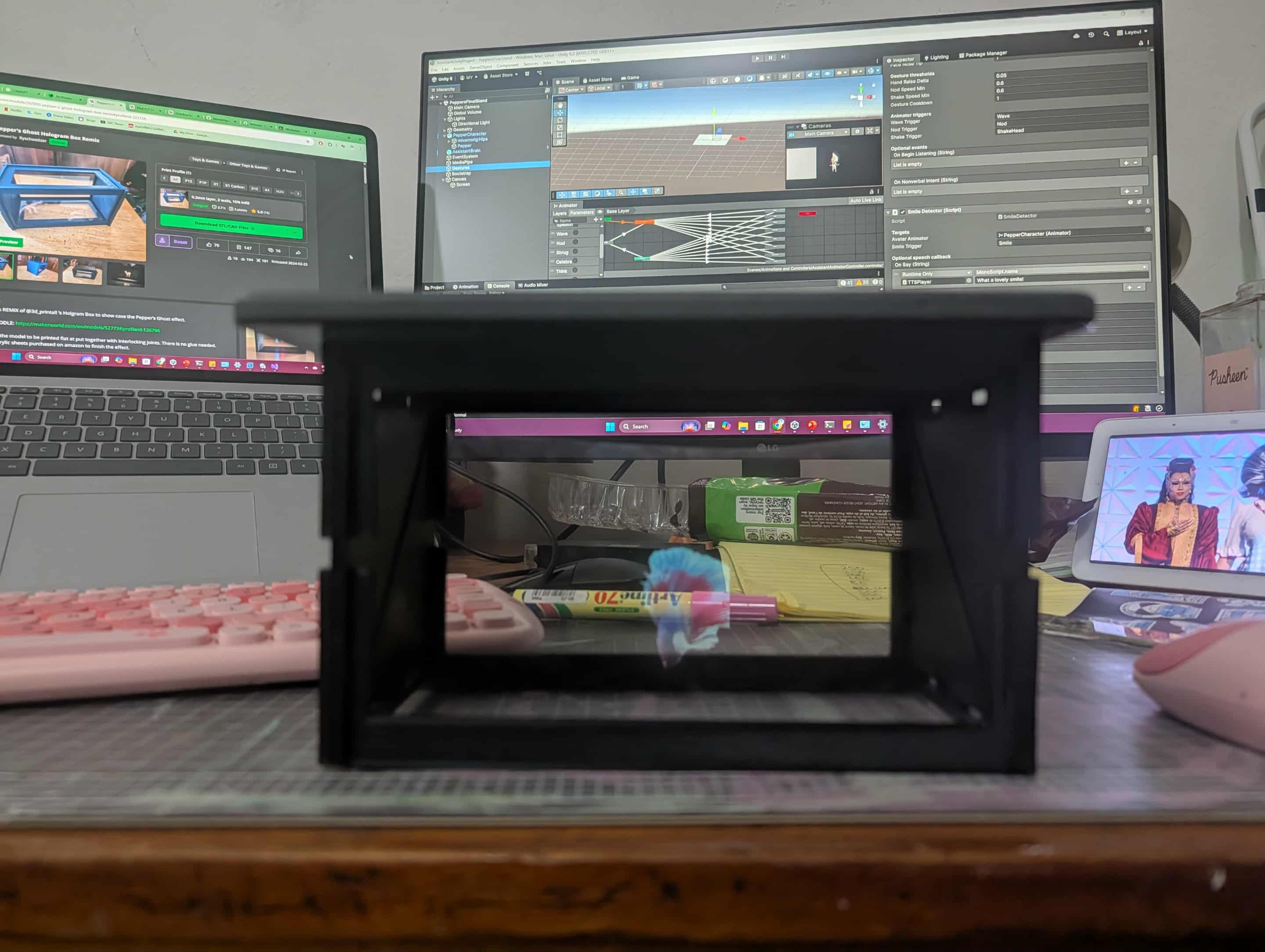
Finalise physical Pepper’s Ghost holographic display
Lessons Learned
MediaPipe’s async systems require strict resource lifecycle control
Always inspect third-party structures directly rather than assuming property names
Unity’s detection modes have major performance implications
Consistent logging saves hours of debugging
Modular architecture dramatically simplifies troubleshooting and iteration
(1) Zion Market Research,” Smart Virtual Personal Assistants Market Size, Share, Trends, Growth and Forecast 2030”, September 2023 https://www.zionmarketresearch.com/report/smart virtual-personal-assistants-market-size?trk=article-ssr-frontend-pulse_little-text-block
(2) Haslam, Nick, “Overcoming Our Psychological Barriers To Embracing Ai” University of Melbourne, December 18, 2023. https://pursuit.unimelb.edu.au/articles/overcoming-our psychological-barriers-to-embracing-ai
(3) Zhang S, Meng Z, Chen B, Yang X, Zhao X. Motivation, Social Emotion, and the Acceptance of Artificial Intelligence Virtual Assistants-Trust-Based Mediating Effects [published correction appears in Front Psychol. 2021 Oct 26;12:790448]. Front Psychol. 2021;12:728495. Published 2021 Aug 13. doi:10.3389/fpsyg.2021.728495
(4) Voxon Photonics, “3D VOLUMETRIC TECHNOLOGY”, accessed March 20, 2024, https://voxon.co/technology/
(5) Voxon Photonics, “Available Products”, accessed March 20, 2024, https://voxon.co/products/
(6) Ng, Jenna. The Post-Screen through Virtual Reality, Holograms and Light Projections : Where Screen Boundaries Lie / Jenna Ng. Amsterdam: Amsterdam University Press, 2021. P.169.
(7) Ellingson, Joshua, “Pepper’s Ghost Resources and Demos”, April 9, 2023. https://ellingson.tv/news/peppersghost 6 Google, “Google Assistant for Developers”, accessed March 15, 2024, https://developers.google.com/assistant
(8) Google, “Google Assistant for Developers”, accessed March 15, 2024, https://developers.google.com/assistant
SYSTEM ARCHITECTURE
PROGRESS VIDEO
